
Roles and permissions
A clear role for every member.
Choose who prepares correspondence, who authorizes dispatches and who reads your workspace reports.
Updated on 2 October 2026
Four roles. One workspace.
Who prepares, who approves, who follows progress: discover your team’s roles.
Read the film transcript
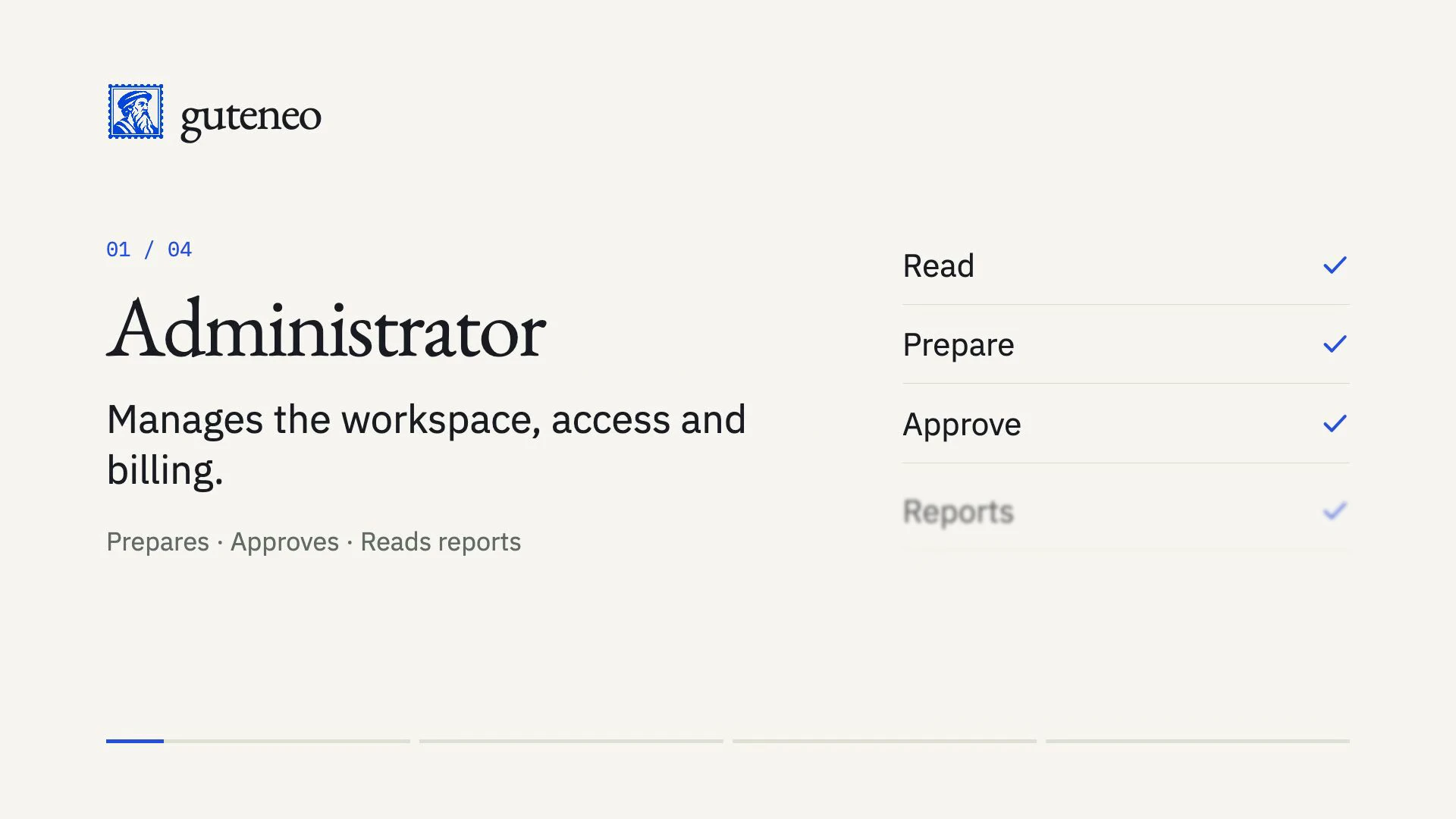
Let’s look at the four roles in guteneo and what each one can do. The administrator manages the workspace. They prepare and approve outgoing messages, and view reports. A supervisor prepares messages for sending. Approval and access to reports are separate permissions, both disabled by default. The operator imports documents and prepares messages for sending. They cannot approve them. An observer can view documents, recipients and delivery updates. They cannot change anything in the workspace or approve a message. In the standard workflow, an authorised person approves the delivery in the browser.
The four roles
- Administrator
- Manages the workspace, members, billing and delegations. Prepares and approves dispatches and reads all reports.
- Supervisor
- Prepares documents and dispatches. The administrator separately chooses their approval rights and access to reports.
- Operator
- Imports documents and prepares dispatches. An administrator or authorized supervisor must approve them.
- Observer
- Reads workspace documents, recipients and dispatch tracking without changing them.
Each person has a separate role in each workspace. All roles can access that workspace’s documents, recipients and tracking: the Observer role does not hide sensitive content.
Supervisor permissions
Two independent options, both off by default, let you adapt this role to your team.
- Approve and reject requests
- Allows review and transfer of postal PDFs, approval of content and cost, dispatch confirmation, and cancellation before submission to the provider. Approval can trigger a dispatch and consume workspace credit.
- Read reports
- Provides access to overview metrics and detailed usage. This option does not grant access to invoices, payments or member management.
Without these options, a supervisor prepares dispatches like an operator. Reports alone allow activity monitoring without authorizing dispatches; approval alone allows validating requests without reading reports.
Choose and change a role
The person who creates a workspace becomes its administrator. They can then invite members with an email address or a CSV file, review the recipients and role, and send the invitations. Each invitee joins by creating an account or signing in with the verified address that received their personal link.
Start with Observer for reading, Operator for preparation and Supervisor for approval or reporting responsibilities. Reserve Administrator for people who actually manage the workspace.
In your workspace, open Administration → Workspace members. Choose the role, set the two supervisor options, then save. Changing permissions disconnects the member’s sessions and assistants; they must sign in again. The last administrator cannot give up their role.
Existing operators keep preparation rights but must now leave approval to an administrator or authorized supervisor. Report access must also be explicitly granted through the Supervisor role.
Assistants and limits
Assistant connections remain limited by the member’s current rights and the permissions granted to the connection. An assistant cannot change roles or grant itself a delegation.
Expert mode remains separate: only an administrator signed in through the browser can give a time-limited mandate to one of their connections. A supervisor’s approval right does not allow them to create this mandate.
A role does not activate a delivery channel. Document, recipient, cost and provider checks still apply. A request can only be cancelled before submission to the provider; mail already sent cannot be recalled.
Billing remains restricted to administrators. No separate accounting role or custom roles are currently available.